Happy new year, hackers! I’m starting my new job at Zed in slightly more than a week, but my new work laptop is already here. In fact, it’s been sitting here for nearly two weeks. I hadn’t opened the box yet, because I was waiting for just the right moment. We all know how personal setting up a new computer is.
Then, yesterday afternoon, I had the house to myself and decided it’s time. Let’s set up the new machine: a brand-new, 16-inch, black, sorry: space black, MacBook Pro M3 Max with — listen to this! — 128GB of memory, a 16-core CPU, 40-core GPU, and a 16-core Neural Engine. Yes. Yes, that’s memory. What a beast.
All I said was that a M3 Max in black with a US English keyboard would be nice, then this thing showed up. Someone I told this to said about this gesture of Zed: “I love it when someone knows how to flirt.”
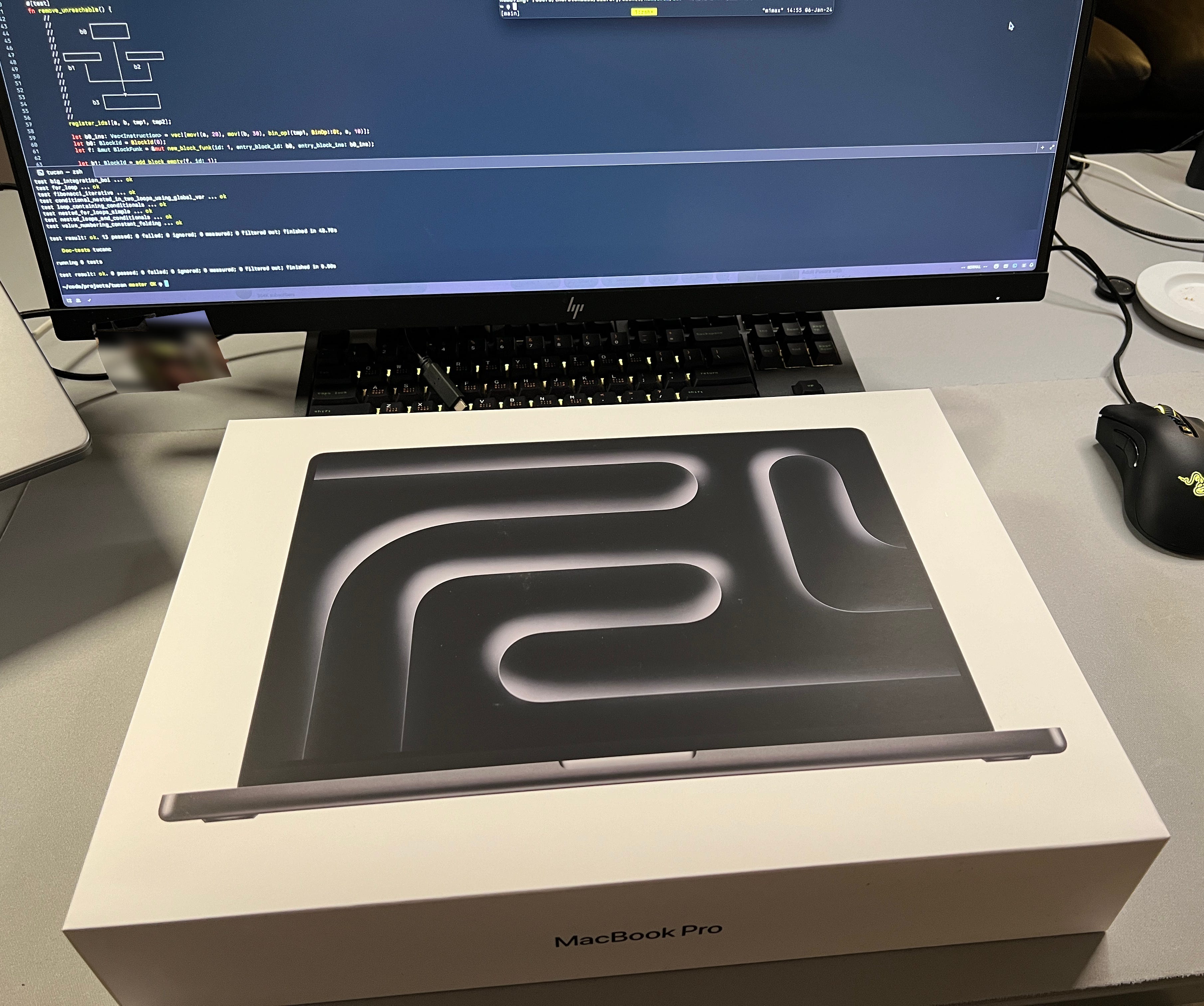
That’s the second MacBook I set up in 4 weeks, because this machine, the one I’m typing this on, a M1 Max, I also set up again after it’s been wiped on my last day at Sourcegraph.
So I figured that this time I’ll document what I do to set up a new machine and take you along for the ride.
macOS Basics
The first thing I do on a new macOS machine is to tweak macOS itself, because otherwise I’d lose my mind after 30 seconds:
Change the keyboard repeat rate using mac-key-repeat.zaymon.dev. I always try to find this tweet of mine because it has my settings.
Reduce the size of the Dock, throw out all the default applications. Then, lately, I’ve also been experimenting with an auto-hiding Dock and I’ve been using these settings to make it not table-flip-inducing:
$ defaults write com.apple.dock autohide-delay -int 0$ defaults write com.apple.dock autohide-time-modifier -float 0.4$ killall DockDisable user interface sounds.
Change tracking pad and mouse speed to one-less than max. Enable light click and tap-to-click.
Remap Caps Lock to Control.
Change the hostname properly, using the commands in this gist.
Ensure the thing doesn’t wake up in the middle of the night by changing the strewn-about settings.
iCloud, internet accounts, etc. etc. etc.
With that out of the way, it’s time to install software.
The Bootstrap Problem
Whenever I setup a new machine, I set it up from scratch. I don’t want to restore from backup or another machine because I don’t want to accidentally carry any cruft over.
Setting up from scratch always poses these questions: do I install 1Password first so I can log into my accounts and then homebrew with which I could’ve also installed 1Password? Do I install Chrome by hand too? Or do I use brew for that? What comes first? Passwords or software? Software manager or passwords?
This time I started by installing Homebrew, then cloning my dotfiles, and then installing the software.
Software
I’ve recently started to use this Brewfile for managing the software I install with Homebrew. I’m also somewhat consistent with it, but not 100%, some software I install by hand because I want to try it out and then it sticks.
Some things of note in that Brewfile:
Neovim, obviously.
Tmux, too.
fzf, ripgrep, direnv, z, gh — all things I need so I don’t run into seventy-four “command not found” per hour.
iStat Menus 6, can’t live without it.
CleanShot X — the best screenshot tool. Triple digit offer for anyone to port this to Linux.
I’m using OrbStack as a Docker replacement now, because it covers all my use cases so far and seems lighter & faster, which is all anything really wants, right?
Rectangle to move windows around.
Tailscale, baby.
All of the terminal emulators — Kitty, Wezterm, Alacritty, Contour. I like being able to compare things.
Monodraw — sweet piece of software.
As you can also see in that Brewfile that I use asdf to manage programming language versions (Go, Node.js, Ruby). But I’m also not terribly consistent with this. I also install rustup and use Nix.
(Actually, I started to use rtx, an asdf replacement, when setting up this M1 Max a few weeks back. But then yesterday I noticed it was renamed to mise and after letting out a big sigh I was too lazy to uninstall/reinstall and for the sake of consistency I now stayed with asdf on both machines.)
There’s some stuff that’s not in the Brewfile. I don’t know exactly why, but here’s the stuff I installed by hand:
Google Chrome. Yup, still using Chrome. I’ve tried switching to Safari, Arc, Firefox over the years but I always end up back here.
Raycast. I’ve been using Alfred for 10 years and then gave Raycast a try a few weeks back. It stuck. It’s really fast and snappy. Biggest win over Alfred is that the window is sometimes persistent, meaning: I can start typing a calculation in, Cmd+tab to another window, then come back to the calculation.
1Password. This has to be installed as one of the first apps (see: The Bootstrap Problem).
Dropbox. I use Dropbox to sync a folder full of Markdown notes, mostly. Yesterday I ran into the device limit. Now I don’t know what to do. 10 bucks a month for syncing a few megabytes is tough.
Zed, of course. I’ve been hacking with Zed for the past 3 weeks and love it even more now. A few days ago I switched to using Zed Preview even. Very cool.
Ghostty. This one’s also one of the first apps I install, just so I don’t have to stare at Terminal.app.
Nix, using this installer. Thanks to Mitchell and Ghostty I kinda got into Nix and also have been slightly Nix-pilled as the kids would say.
nix-direnv so my shells load really fast in Nix-enabled repositories.
Arq. I’ve been using Arq for nearly 10 years, backing up every machine I use and very often restoring from Arq when setting up a new machine. More on that in a second.
Copying the data
Most of the data I work with day-to-day is synced to somewhere: GitHub, iCloud, Google, the Cloud, Dropbox, whatever. All my private data (photos, documents, …) is also synced to either iCloud or my Synology.
So, technically, I don’t even need to copy data from another machine to a new one, because I could get it from somewhere else, but there’s a bunch of stuff I always copy from machine to machine:
My
~/.ssh/config— there’s hostnames and config settings in there that I can’t reconstruct easily. So, copy it is.My old, trusty
~/.zsh_history— here’s a lifehack for you: don’t worry about space and bump your shell history length to a really high number, then use fzf to fuzzy-search through history. My .zsh_history is very important to me. It is me. So, copy it is.The
~/codefolder: this contains my projects (blog, books, …), open-source projects I contribute to, experiments and playgrounds, workalongs with books, and random clones of repositories I make just to browse/explore the code. Yesterday it had a size of 74GB. As I found out later that was mostly due to Rust-sponsoredtargetfolders in various repositories (I think wezterm’s target folder had 12GB after running cargo build)
So the last one, the ~/code folder, posed a bit of a challenge: 74GB is not nothing. Also, it’s full of tiny, tiny files. Lots of .git folders, even a few node_modules in there.
So I thought: what’s the best way to copy this?
Attempt #1: airdrop that sucker. I mean, why not? I have two MacBooks sitting side-by-side, let’s drag-and-drop that baby from here to there, right? Turns out that Airdrop doesn’t give you ANY reasonable progress indicator so after 20min of the Airdrop bubbles disappearing and a “progress bar” (yes, quotes intentional) in the Downloads folder, I canceled.
Attempt #2: use a Thunderbolt cable. After a quick search for “how to transfer files from one Mac to another” I found an Apple help article saying that I can just plug a cable into both machines and then move the files over. Sweet! Turns out I have to restart and put the source machine into Sharing mode after which it shows up as an external HD on the other machine. Okay, still sweet. Did that but then I copied the 74GB folder using Finder.app and … it took nearly 2hrs for Finder to build the initial file list, and then it had the gall to tell me that the transfer would take 15hrs. 15hrs?! Come on, man.
Attempt #3: rsync. Rsync’s a hero from the old tales, so I asked rsync for help. After 10min of rsync also building an initial file list I hit Ctrl-C.
Final attempt: I did this before and I knew it’s fast, so I did it again: restore the ~/code folder from the Arq backup. That means: pulling less-than 74GB from S3 and restoring it. That took 45min. Why? Because I ignore node_modules in my Arq backups (and as of yesterday: target folders too) and Arq has a list of files, so it doesn’t need to figure out which files to copy first. Thanks Arq.
After that I was up and running.
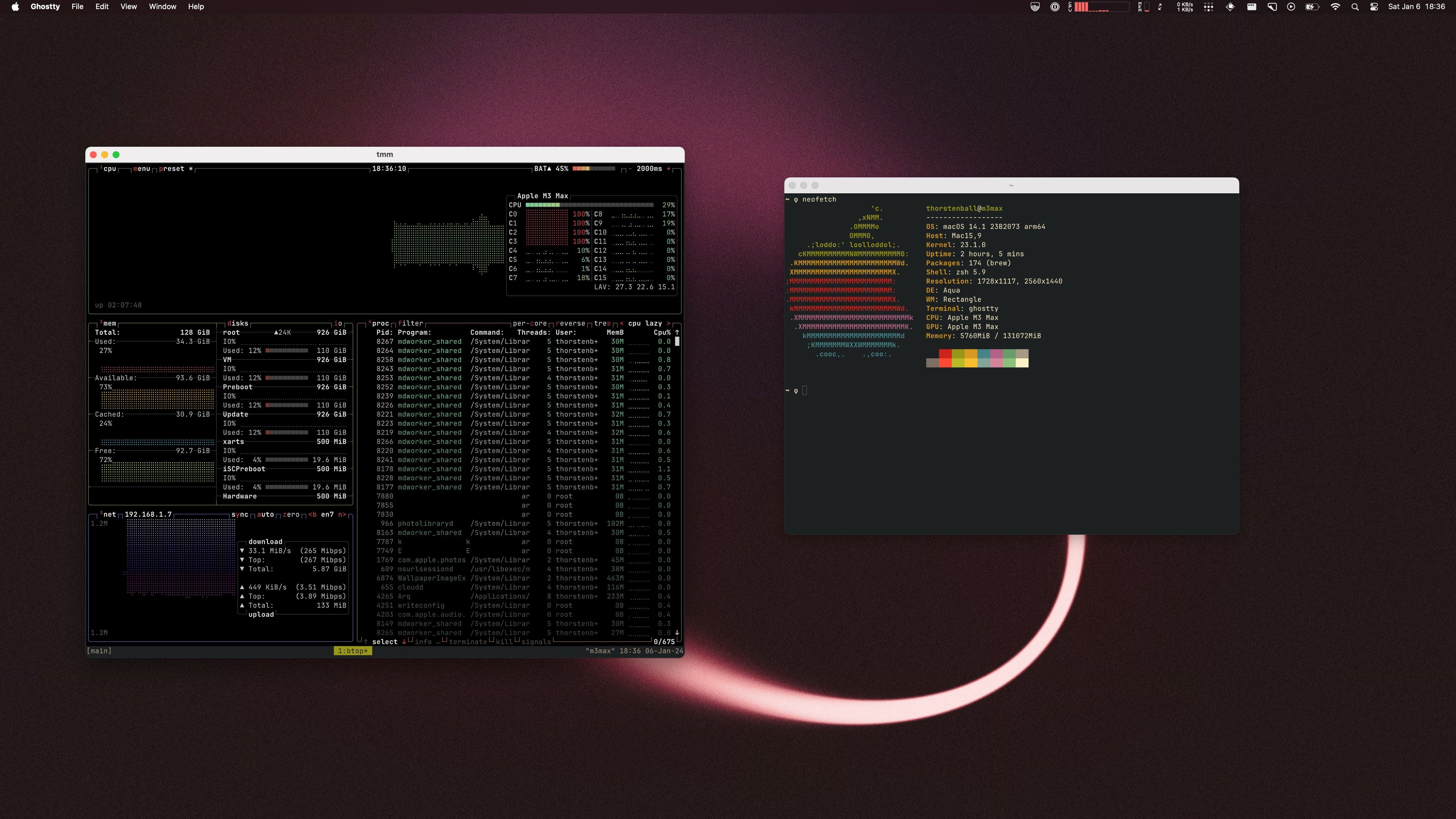
That was yesterday evening and I didn’t play around with the M3 Max that much, but first impression: this thing is fast and it’s snappy and it has work capacity and it feels great. The black looks awesome. Sorry, space black.
Random Tidbits & Thoughts
So many notifications! When you do nothing but install and start and setup software for two hours your notifications on macOS fill up with all kinds of garbage: this app is running in background, this app now uses this data, this app also started, hey this app is up and running, etc. It’s a lot of noise.
Continuity is pretty nice. In short: it lets you use one pair of keyboard & mouse for multiple devices and allows you to move your cursor to a MacBook that sits next to the other one. It worked surprisingly well! Incredibly useful: moving files from one machine via drag and drop. I did that for the mentioned-above .zsh_history and SSH config.
When Apple’s stuff doesn’t work it’s frustrating. I kinda touched on this in the last newsletter: there’s never any indication of something happening. 99% of time that’s fine but when it fails you really want to know what’s going on. For example: when you use Apple Devices you can share a clipboard between them. SUPER MEGA USEFUL, when and if it works. I can copy a 2FA code on my iPhone and paste on the MacBook. I could even copy & paste passwords between the MacBooks yesterday. But then suddenly it stopped working and I didn’t know why. Then it worked again and I didn’t know why. Same goes for Airdrop suddenly disappearing.
It’s VERY easy to miss a “Password:” prompt waiting for you, silently, in the background in a terminal.
I think I could get a new dev machine up and running in 45min. You know: gun to my head and all, realistic circumstances.
This was VERY painless. It was a joy, actually.
That M3 Max is a beast, jesus.
With that, you should subscribe and then I’ll see you next week: